
Currently Empty: රු 0

OUT OF STOCK
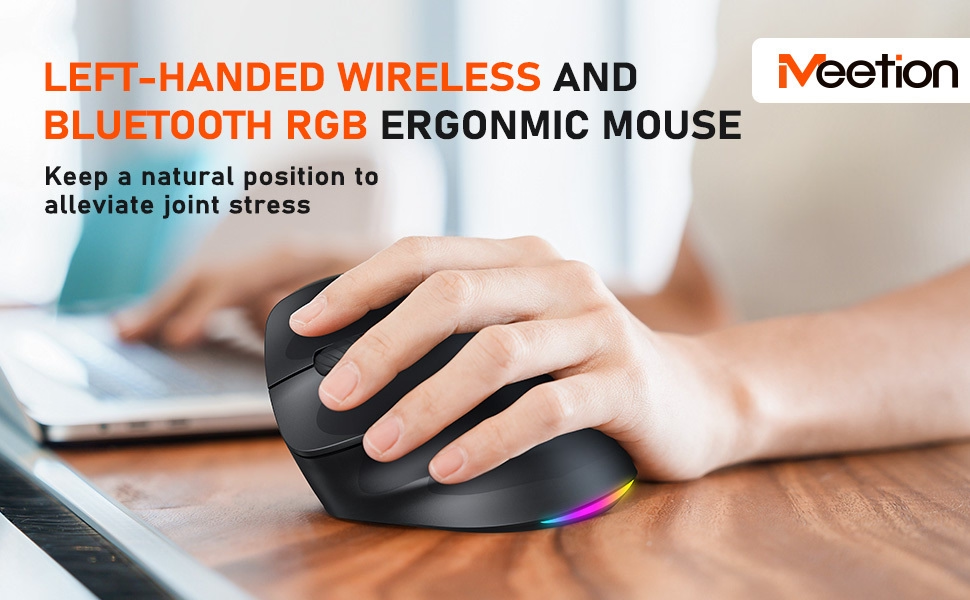
MEETION BTM010L LEFT-HANDED ERGONOMIC WIRELESS MOUSE
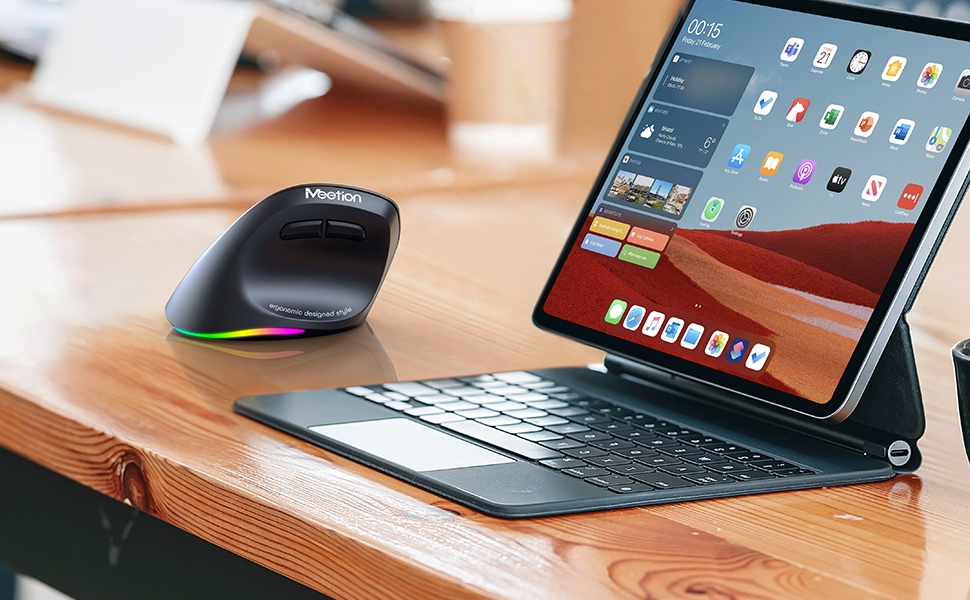
Ergonomic design for comfortable use
RGB illumination for a dark atmosphere
Rechargeable battery for continuous use
රු 6,500
Out of stock
«
WE ACCEPT »

6,500
LKR
Cash

6,500
LKR
Bank Deposit

6,728
LKR
VISA / Mastercard

6,728
LKR
American Express

7,475
LKR
KOKO
PAY IN 3 X
2,491.67
LKR

7,475
LKR
Payzy
PAY IN 4 X
1,868.75
LKR
Product Description

Left-Handed Ergonomic Wireless Mouse
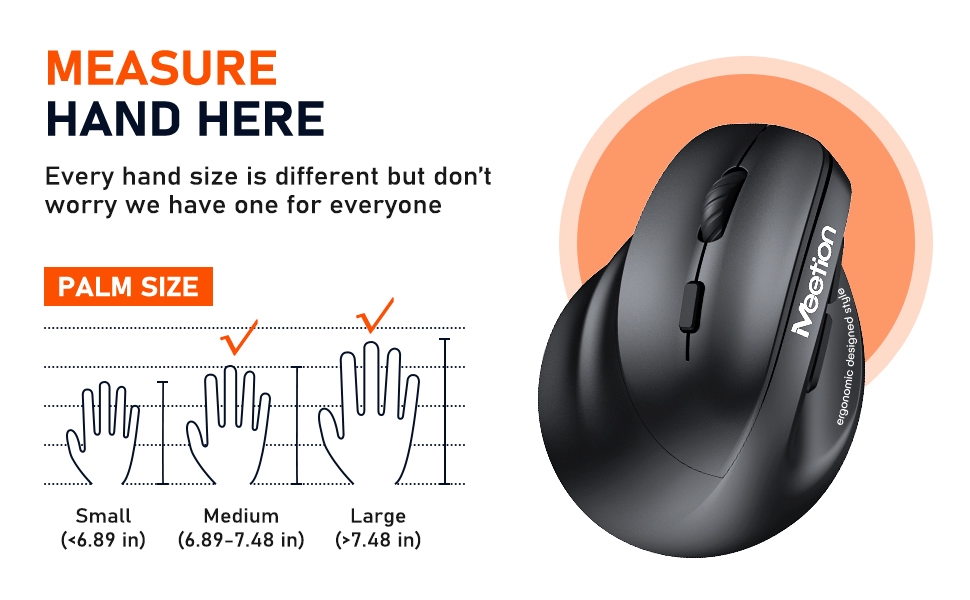
MEASURE YOUR HAND:
Our ergonomic wireless mouse is designed to accommodate both large and medium-sized hands. With its vertical shape and comfortable grip, it provides a natural fit that reduces strain and fatigue, making it ideal for extended use. Whether you have large or medium-sized hands, our mouse is built to provide a comfortable and precise experience, making it the perfect choice for anyone who values comfort and precision.
COMPATIBILITY SYSTEM:
- Windows (windows XP / Vista / 7 / 8 / 10 /11/ Server 2003 / 2000 ,etc)
- MacOS (macOS 10.10 above is recommended)
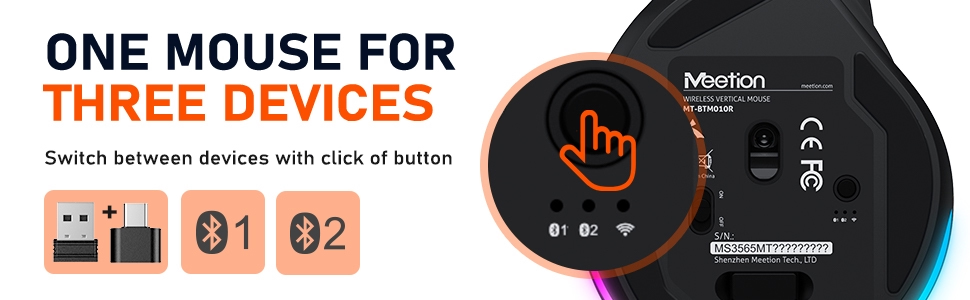
- ln 2.4G mode: for desktop computers, notebook computers, laptop, smart TV with USB interface, etc
- In bluetooth mode: for desktop computers, notebook computers, tablet, iPad, mobile phone, smart TV, etc
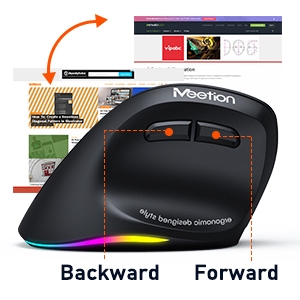
Forward and Backward Button
With dedicated forward and backward buttons, our wireless mouse lets you navigate the web with ease. No more fumbling around with your browser’s navigation buttons.
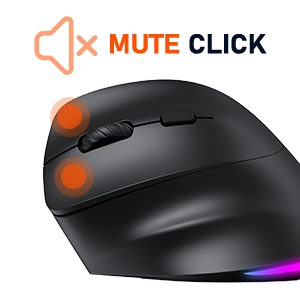
Mute Click Design
Enjoy a quiet workspace with our mouse’s silent click feature, allowing you to work or play without disturbing those around you.
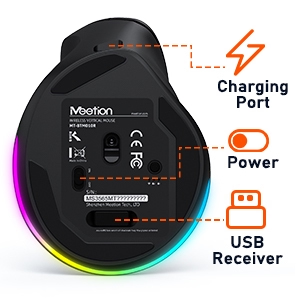
USB Receiver
Say goodbye to messy cords and hello to seamless connectivity with our Bluetooth and 2.4G wireless mouse. The usb-a receiver is at the bottom of the mouse, the type-c adapter is inside the package and the charging cable is put together.
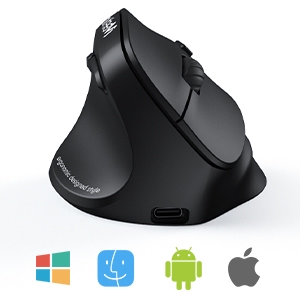
Windows/Mac/Android System
BTM010 vertical ergonomic mouse comes with both USB-A receivers and type-c adapter, ensuring compatibility with a wide range of devices and providing you with flexibility and convenience.
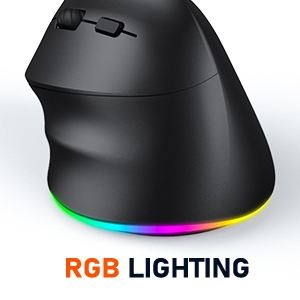
RGB Backlight Mode
Get in the zone with our RGB illuminated wireless mouse. Available in various colors with automatic flashing and create an immersive experience. (This mouse does not allow you to manually adjust the color of the light, but you can turn the light off and on by pressing the DPI for 3 seconds.)
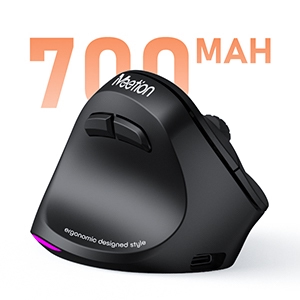
Long Battery Life
Stay powered up and ready to go with our rechargeable wireless mouse. No more worrying about running out of batteries mid-session or having to constantly replace them.
2.4G Connection Steps:
- 1. Take out the usb receiver on the bottom of the mouse
- 2. Insert computer USB interface (When the product is used for the first time, an automatic hardware installation prompt will pop up in the lower right corner of the computer)
- 3. Turn on the power switch to green.
- 4. Short press the mode switch button to green.
- 5. The mouse is connected and used normally.
Bluetooth Connection Steps:
- 1. Turn on the power switch to green.
- 2. Short press the mode switch button at the bottom of the mouse the 1 blue light flashes slowly
- 3. When connecting for the first time pairing is required. Press and hold the mode switch button for more than 3seconds, and the Bluetooth light will change to flash mode.
- 4. Open the search bluetooth device click connect to pair successfully.
- 5. Bluetooth Device Name: BTM010 5.2_1, BTM010 3.0_1
| Operation Mode: | Opto-electronic |
| Type: | 2.4GHz & Bluetooth Dual Mode |
| Power Type: | Rechargeable |
| Interface: | USB-A/Type-C/Bluetooth |
| Key life: | 5 million times |
| Wireless distance: | 33Fts |
| Weight: | 0.23 Pounds |
| Product Size: | 4.3*3.1*2.5IN |
| Resolution: | 2400DPI (800-1200-1800-2400) |
| Type: | RGB light |
| Feature: | Left-handed Wireless Ergonomic Vertical Design |
| Battery capacity: | 700mA |
| USB Receiver: | In the card slot at the bottom of the mouse |
| Type-C Adapter: | Put it together with the type-c charging cable in the packaging |
| Note: | Please remove the protective film from the bottom of the screen before use |
Related Products


OUT OF STOCK
